Keyboard
Text input in Mixed Reality is always the most challenging form of input due to a lack of dedicated physical keyboard as a hardware accessory. Tesseract provides an easy-to-use virtual keyboard that manages its own lifecycle while interfacing with an input field. However, it is recommended to use the voice input for text input wherever possible.
Best practices
Layout
- The keyboard always shows up in front of the user by default
- The keyboard is placed in the lower hemisphere of the user's periphery to help in aiming while using either gaze or controller pointing interface
Content
- The keyboard has different modes for alpha-numeric and special character inputs
- These modes can be toggled using the special characters key on the bottom left
- The keyboard also has an additional button for activating voice input
Keyboard
States
-94307-66767caa38ae98af530fba0e93e6ba2c.png)
-73576-c6b8b07796fd9ef45e2e927601f343fb.png)
Transitions
| Transitions | Front View | Isometric View |
|---|---|---|
| Appear |  |  |
| Enter | 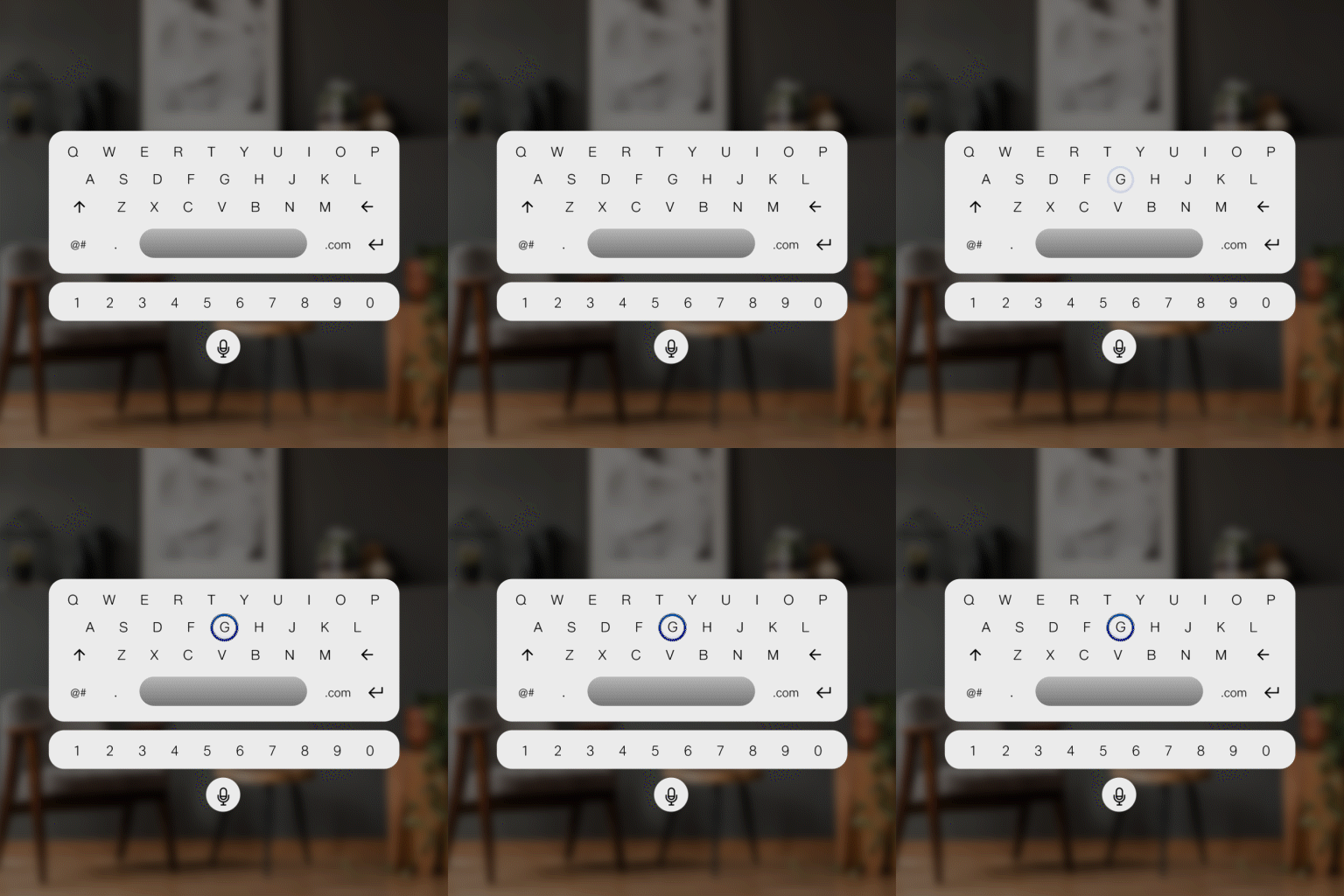 | 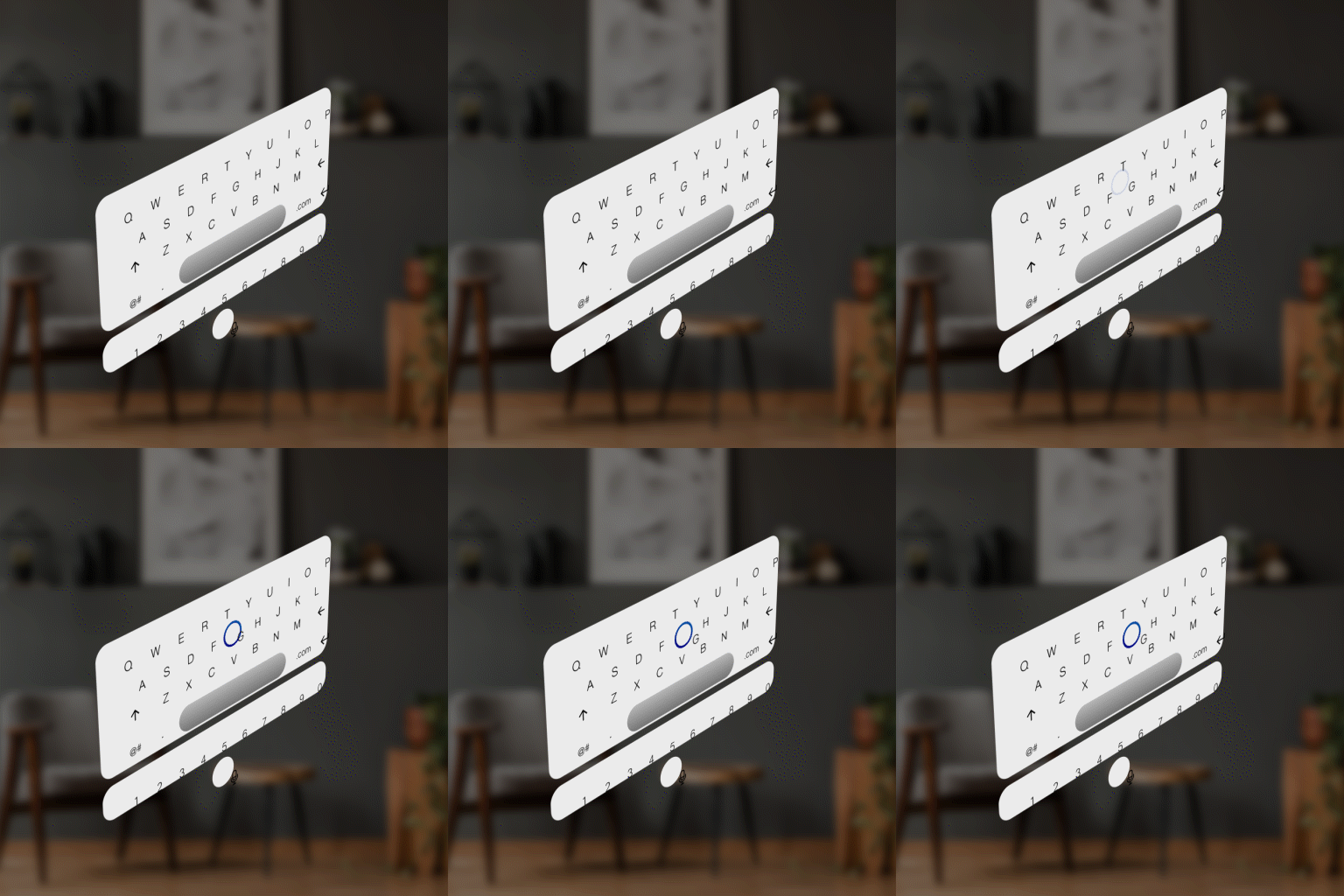 |
| Exit |  |  |
| Interact | 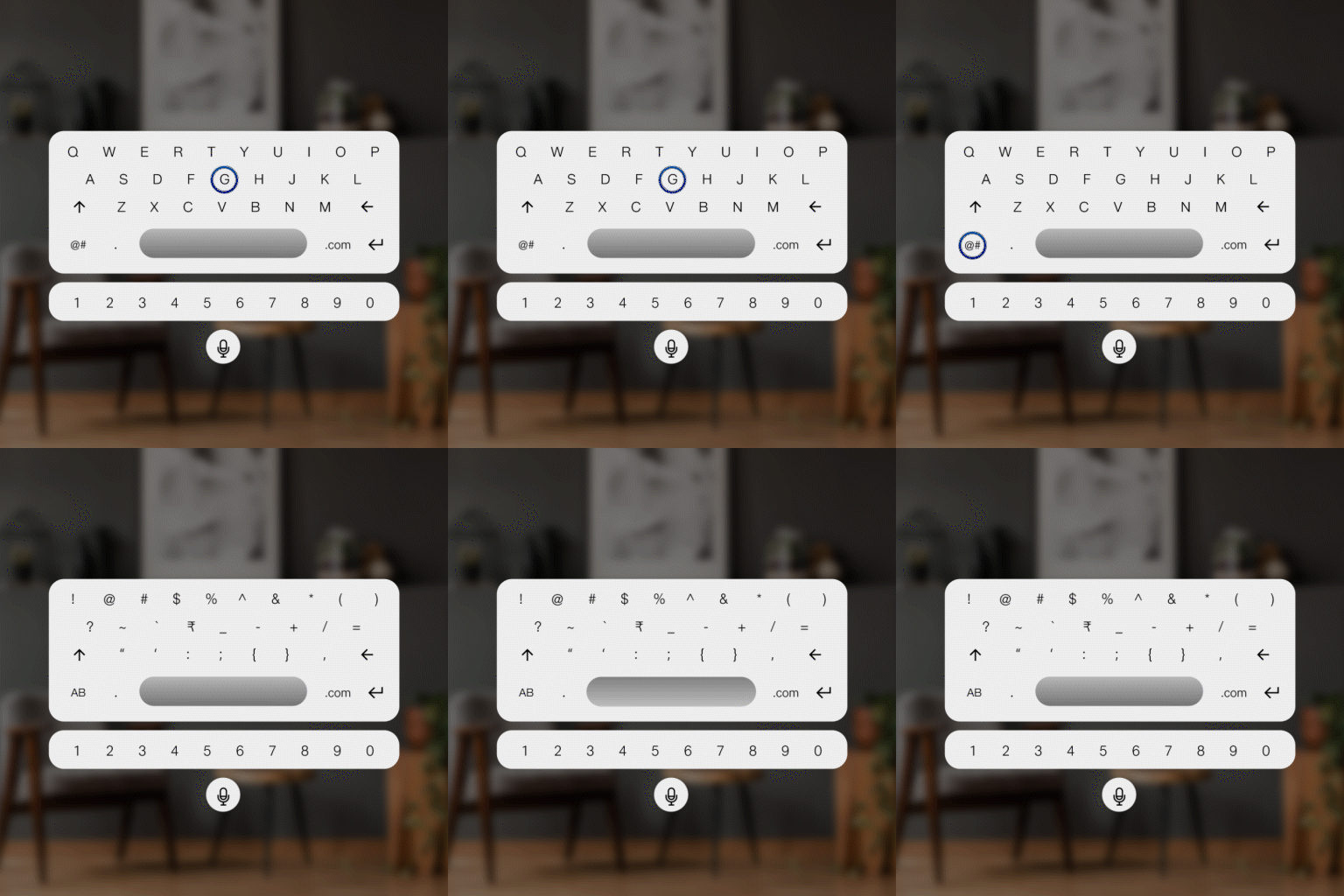 | 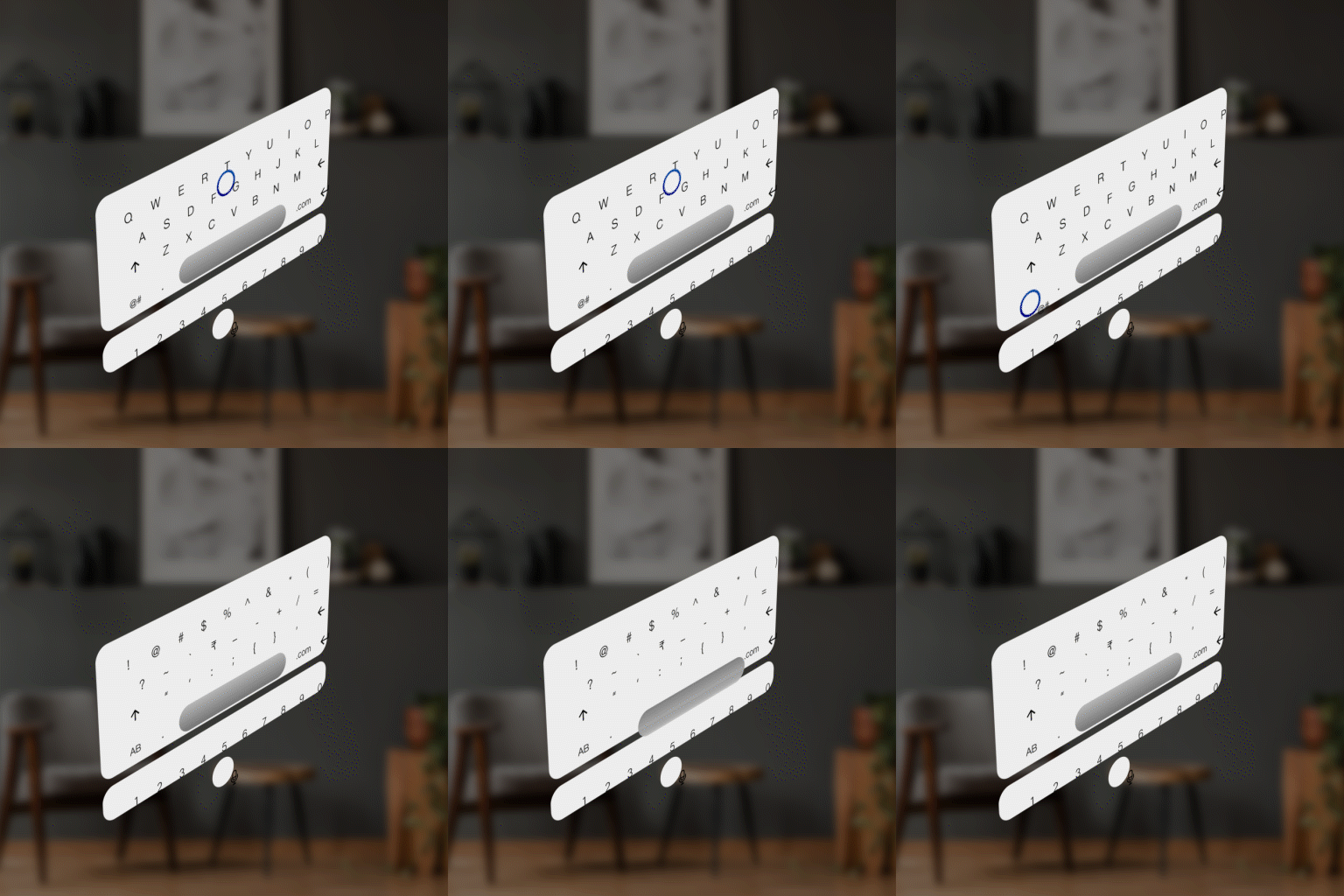 |
| Disappear | 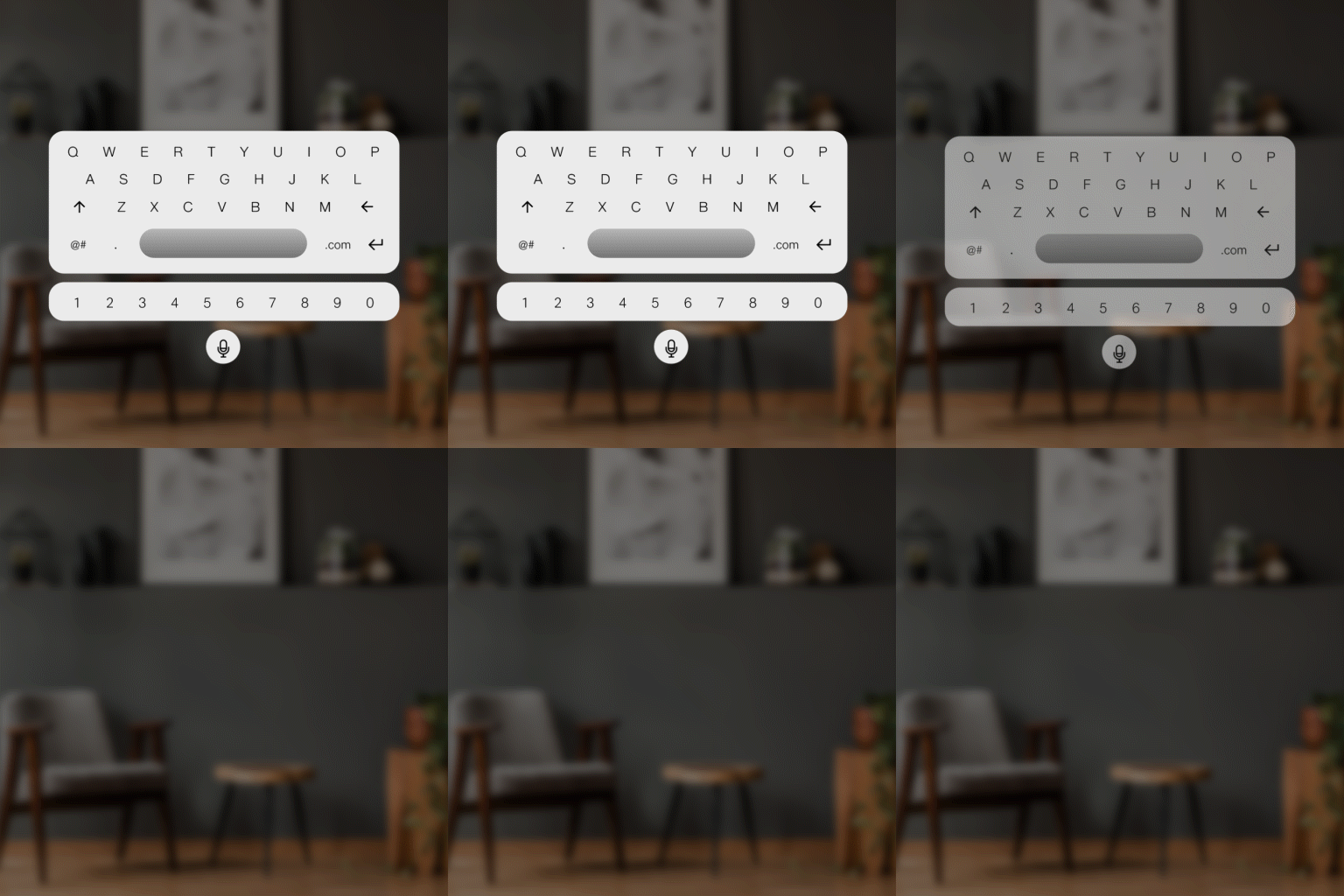 | 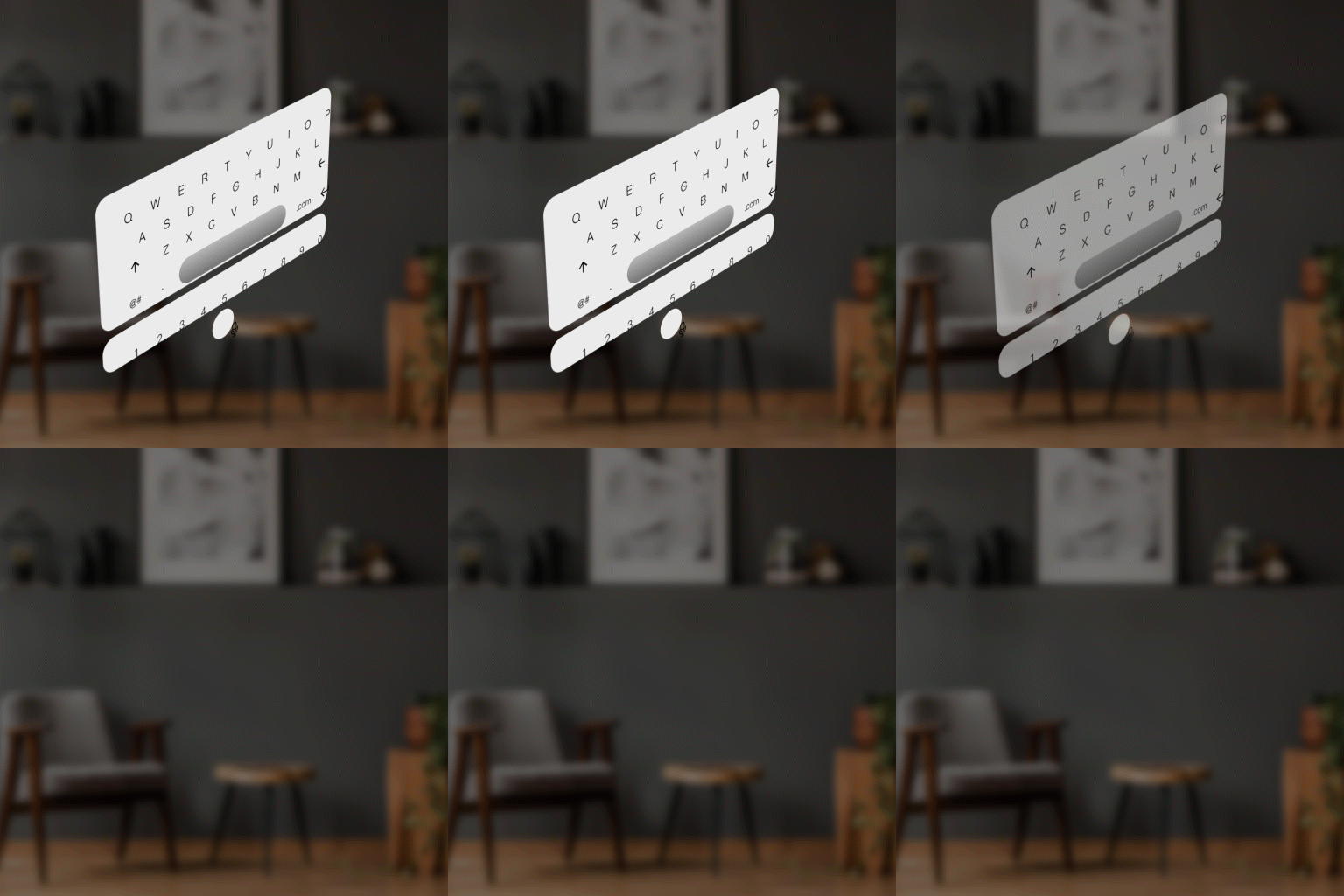 |