Transitions
Transitions gives intelligent feedback based on the user's behaviour, keeps the UI feeling alive, and guides the user's navigation through your app. Motion elicits an emotional connection between a user and their digital experience. We build on a foundation of natural movement the user already understands from the physical world, and we extend our system from there.
Content
The buttons can transition between the 4 state via the animations as described below -
| Transition States | Descriptions |
|---|---|
| Appear | Animation for showing the UI elements for the first time they appear |
| Enter | Animation when the user looks on a UI element |
| Exit | Animation when the user looks away from an UI element |
| Interact | Animation when the user interacts with the UI element |
| Disappear | Animation for when the UI elements disappear from the scene |
Transitions Example
| Transitions | Front View | Isometric View |
|---|---|---|
| Appear |  |  |
| Enter | 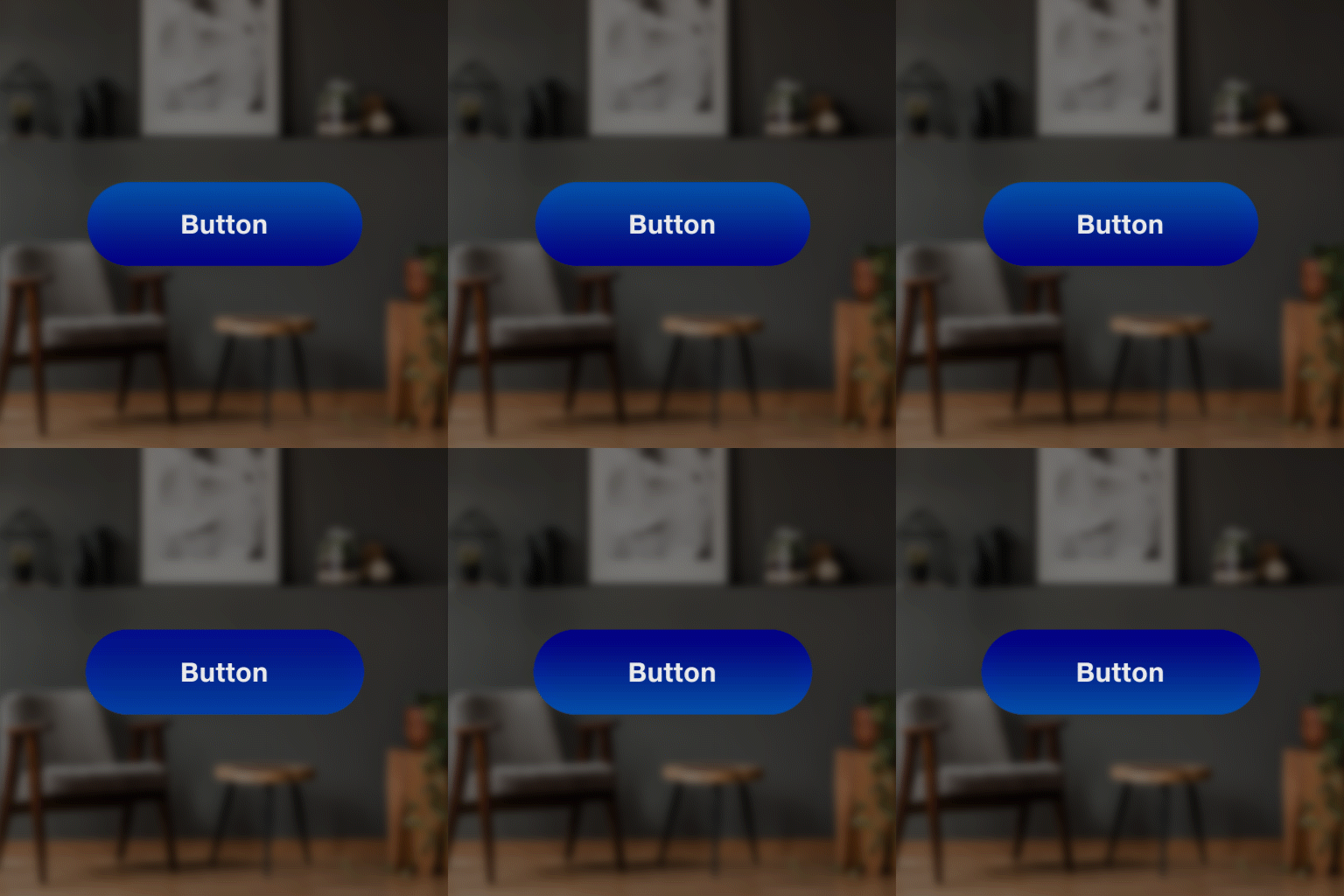 | 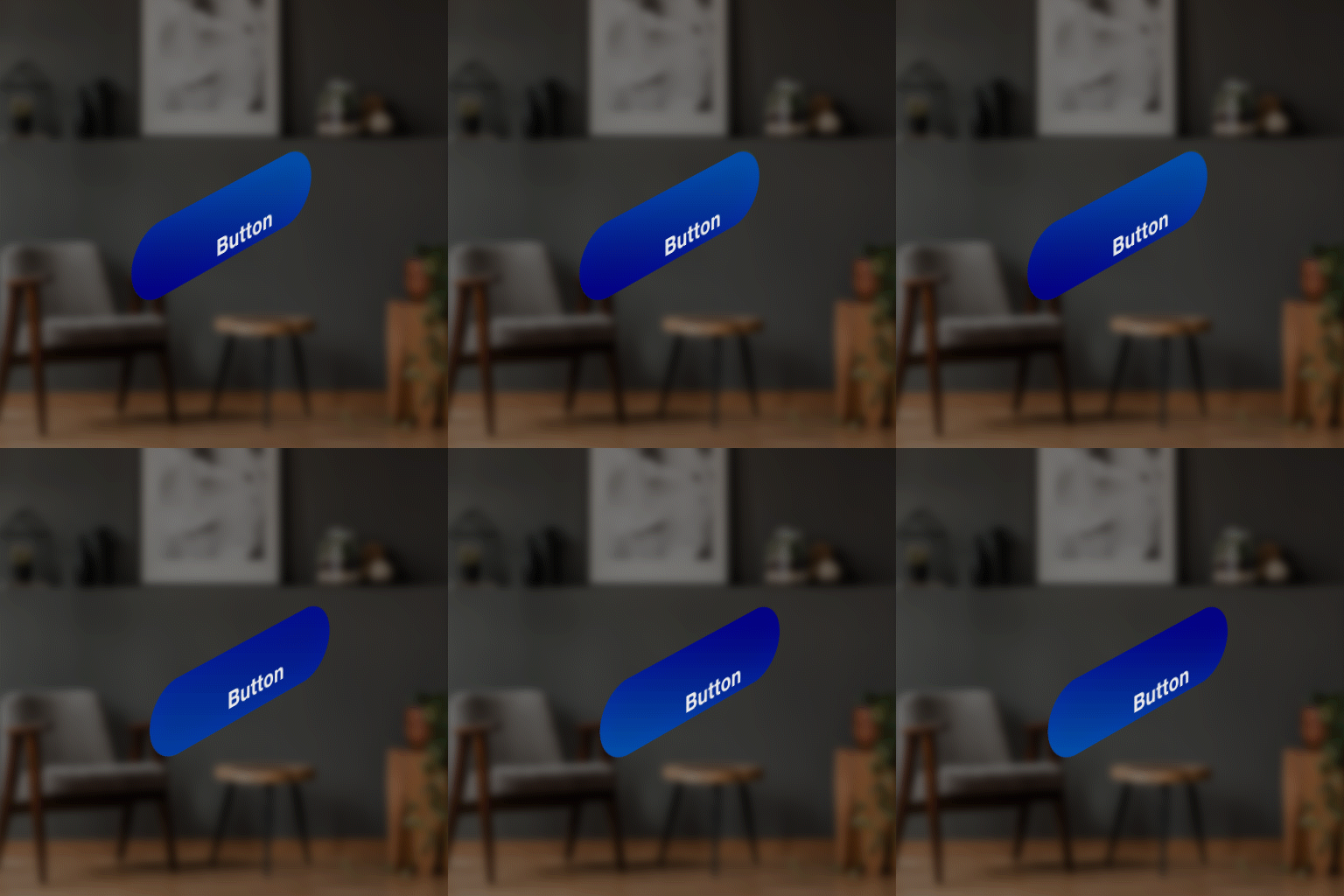 |
| Exit |  |  |
| Interact | 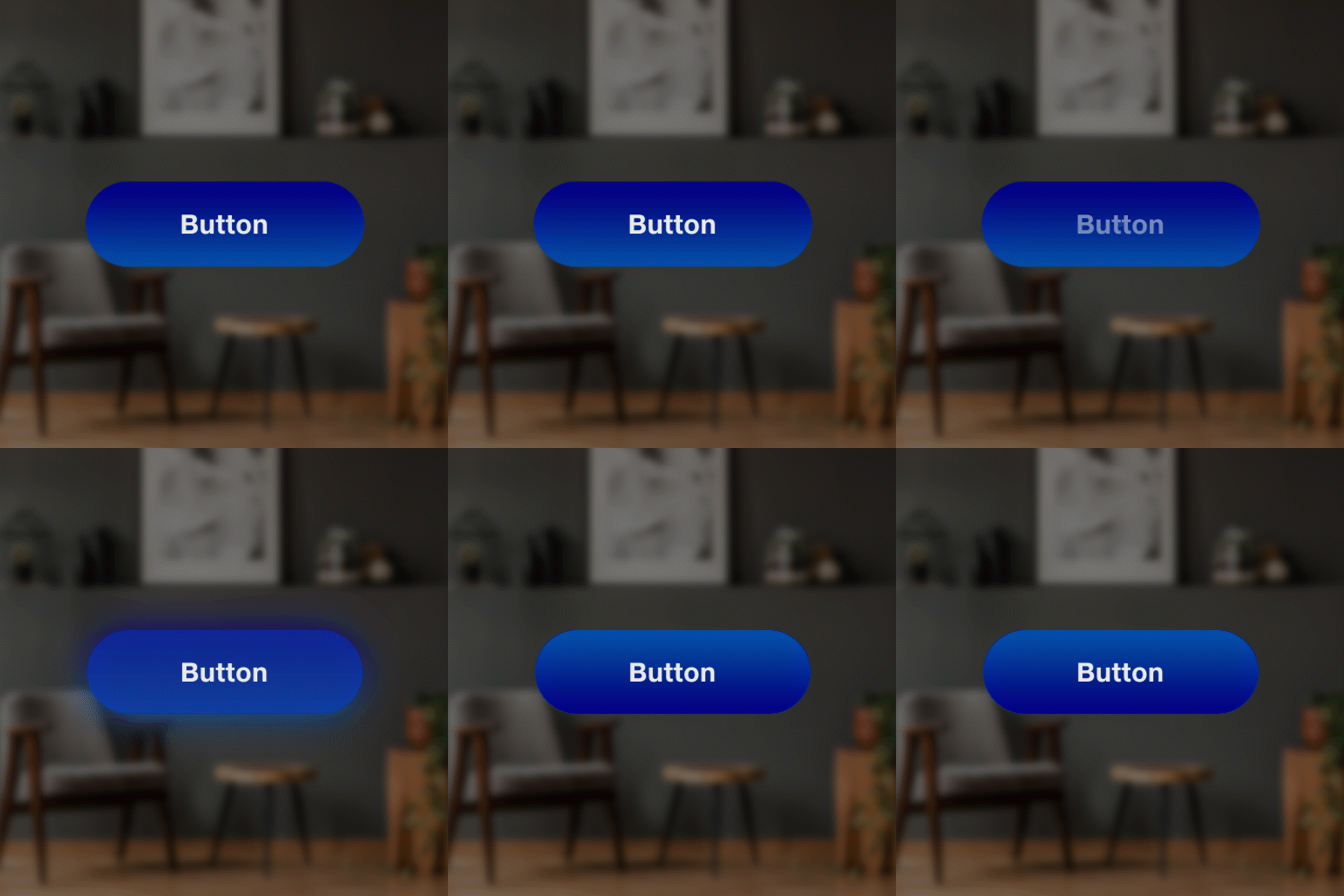 | 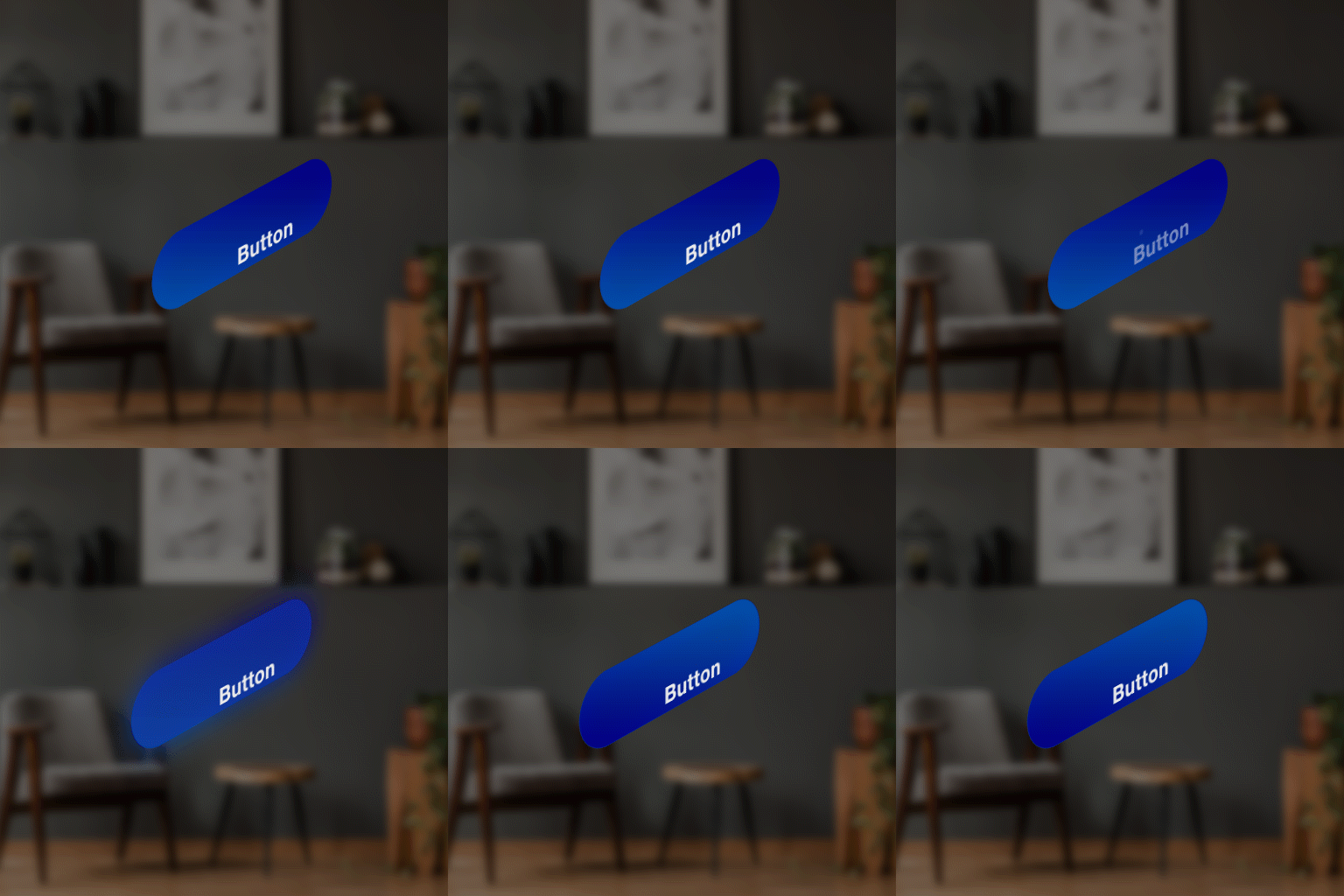 |
| Disappear | 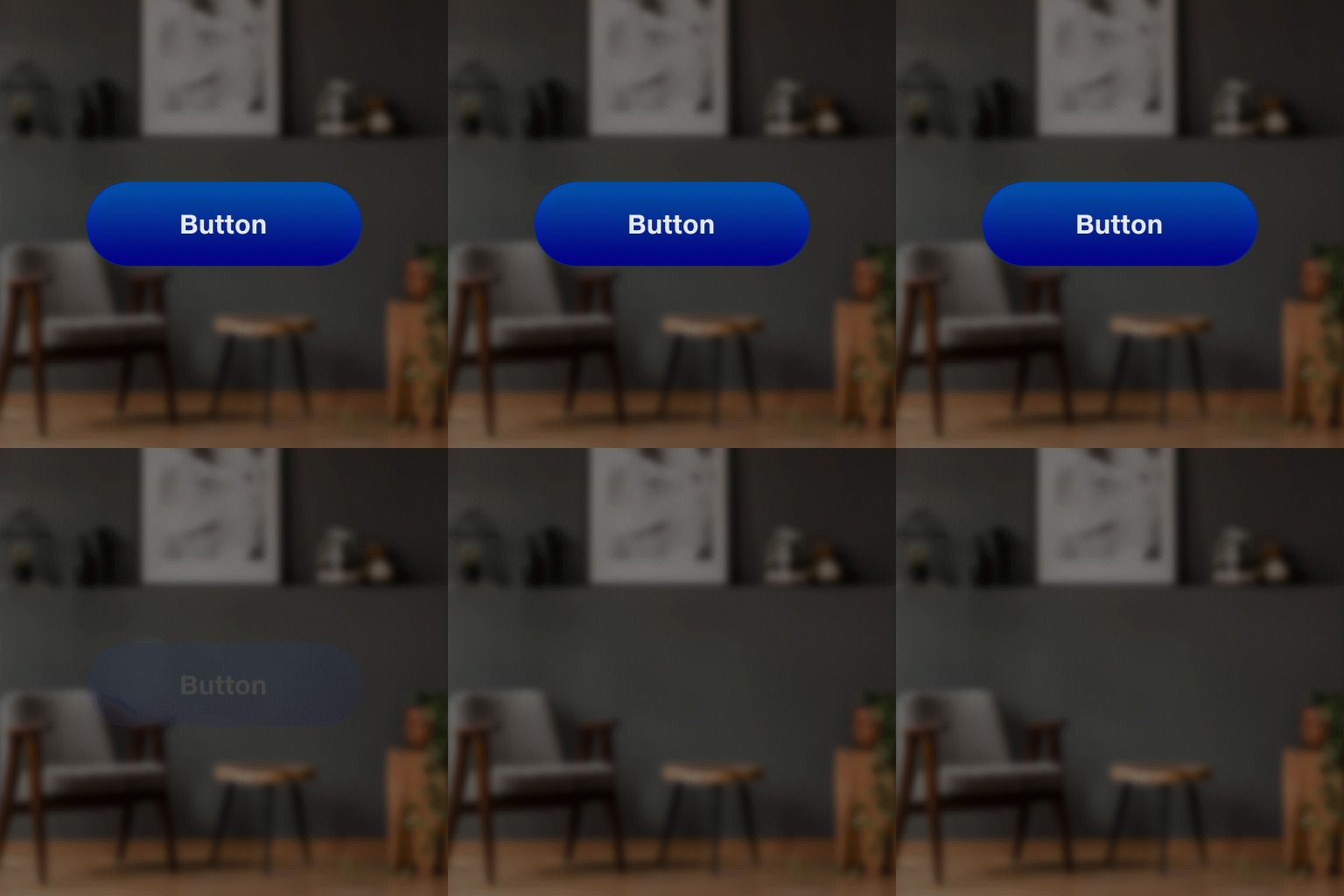 | 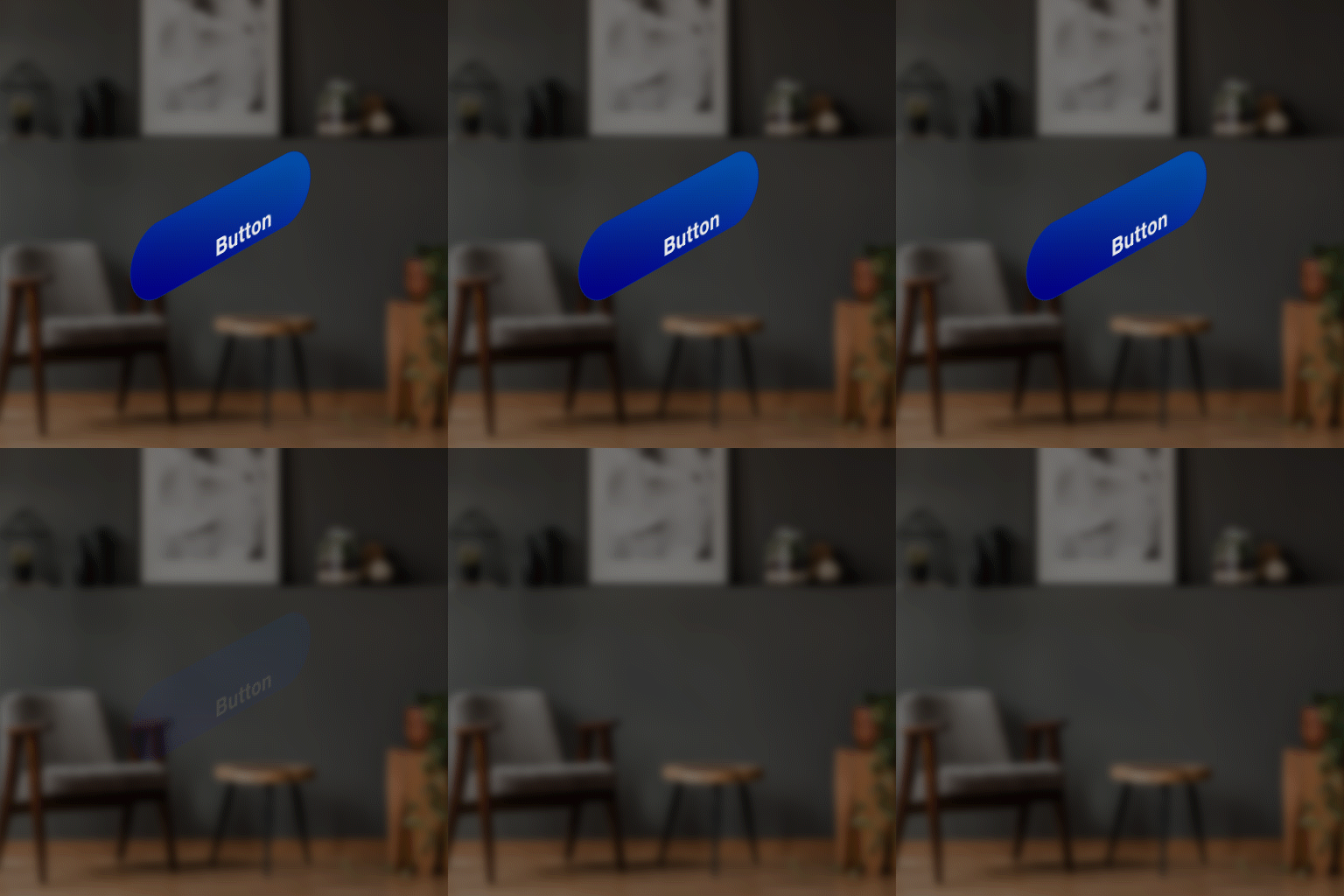 |