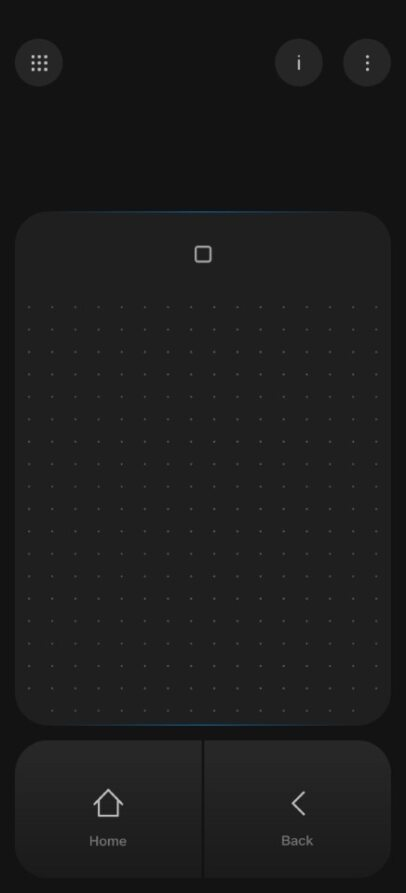
Virtual Controller / Virtual Keyboard for JioGlass
warning
Virtual Controller and Virtual Keyboard will only work with JioGlass. Not compatible with JioPrism (Holoboard) and JioDive.
| Compatibility | Virtual Controller | Virtual Keyboard |
|---|---|---|
| JioGlass | ✅ | ✅ |
| JioDive | ❌ | ❌ |
| JioPrism | ❌ | ❌ |
Virtual Controller and Virtual Keyboard have been supported since JMRSDK 4.12.4. It allows the smartphone to become the controller when used with JioGlass Lite.
JMRSDK 4.24.1 onwards, developers can now check whether the application is using a Virtual Controller, Physical Controller, or Gaze mode to update their tutorial screens with respective images and specific controller binding.
- Example Usage -
private InteractionDeviceType deviceType;
deviceType = JMRInteractionManager.Instance.GetSupportedInteractionDeviceType();
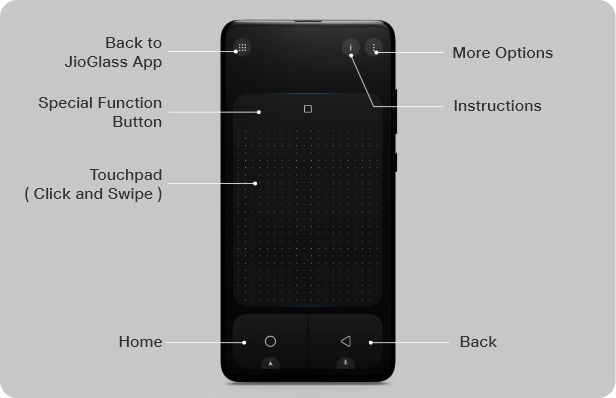
Get the Virtual Controller render or use the image below